
本文作者原创,首发在本博客;CSDN 上的同名文章已标注为转载并回链到本页:https://blog.csdn.net/qq_30220519/article/details/142368280
下载
关键代码
1 |
|
注意
受网络和翻译内容长度影响,可能需要多粘贴几次
参考
创作不易,小小的支持一下吧!


本文作者原创,首发在本博客;CSDN 上的同名文章已标注为转载并回链到本页:https://blog.csdn.net/qq_30220519/article/details/142368280
1 |
|
受网络和翻译内容长度影响,可能需要多粘贴几次
本文作者原创,首发在本博客;CSDN 上的同名文章已标注为转载并回链到本页:https://blog.csdn.net/qq_30220519/article/details/142358483
1 |
|
GitHub - google/gumbo-parser: An HTML5 parsing library in pure C99
本文作者原创,首发在本博客;CSDN 上的同名文章已标注为转载并回链到本页:https://blog.csdn.net/qq_30220519/article/details/142309917
1 | export default defineConfig { |
报其它错误,如(CompileError: WebAssembly.instantiate(): expected magic word 00 61 73 6d, found 3c 21 44 4f @+0)。查看文件请求路径是否正常
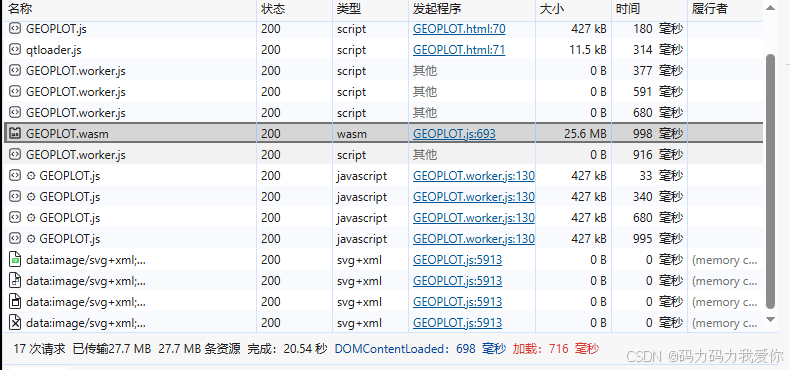
大小0B表示路径异常,需调整资源请求路径
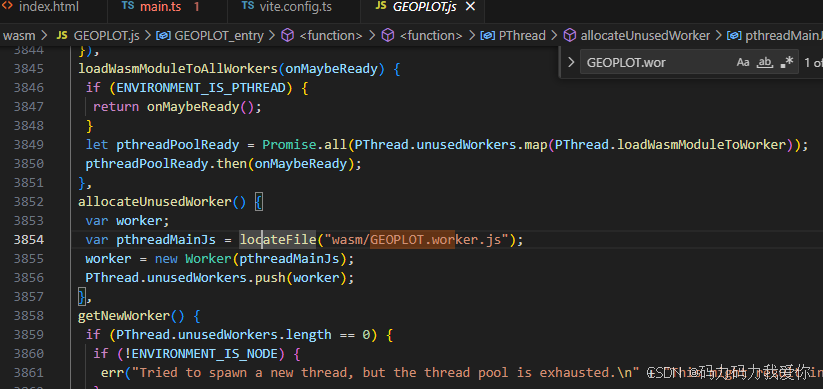
可修改locateFile路径和wasmBinaryFile路径
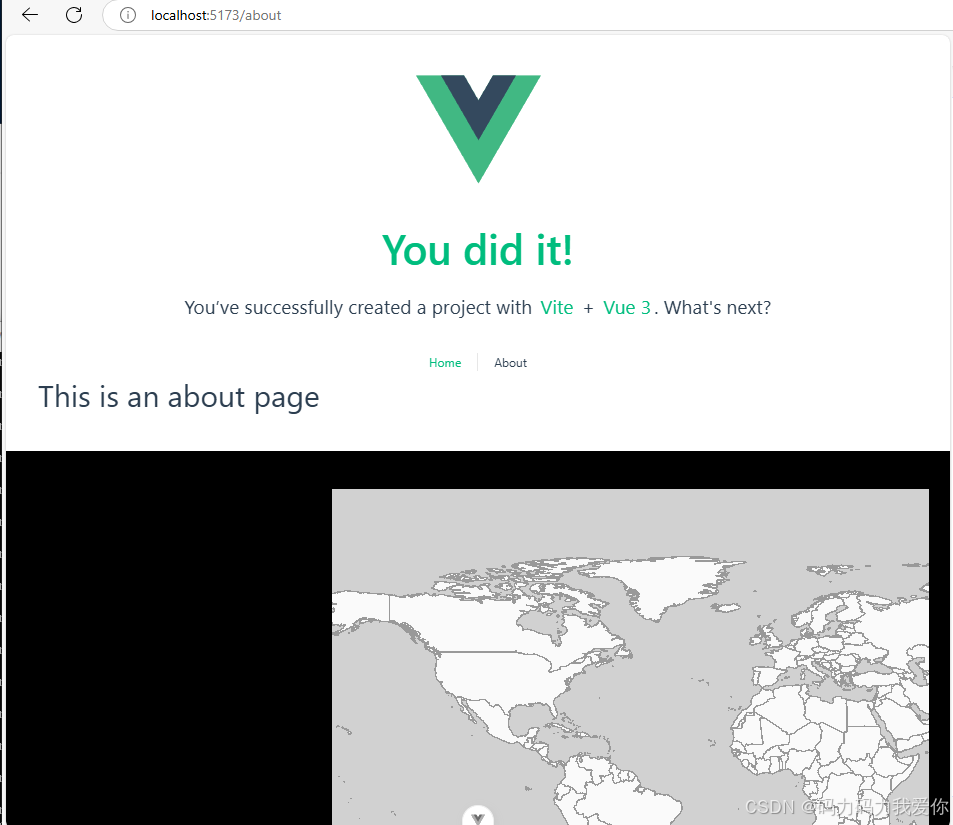
QT + WebAssembly + Vue环境搭建-CSDN博客
本文作者原创,首发在本博客;CSDN 上的同名文章已标注为转载并回链到本页:https://blog.csdn.net/qq_30220519/article/details/142290541
git clone https://github.com/emscripten-core/emsdk.git
cd emsdk
emsdk install 3.1.50
emsdk activate 3.1.50
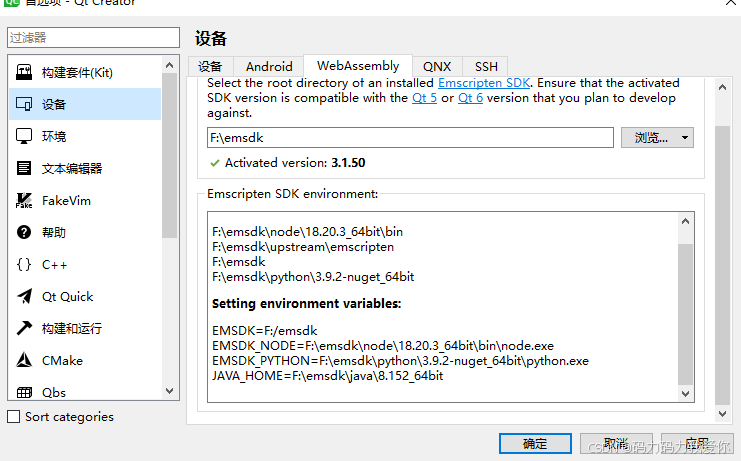
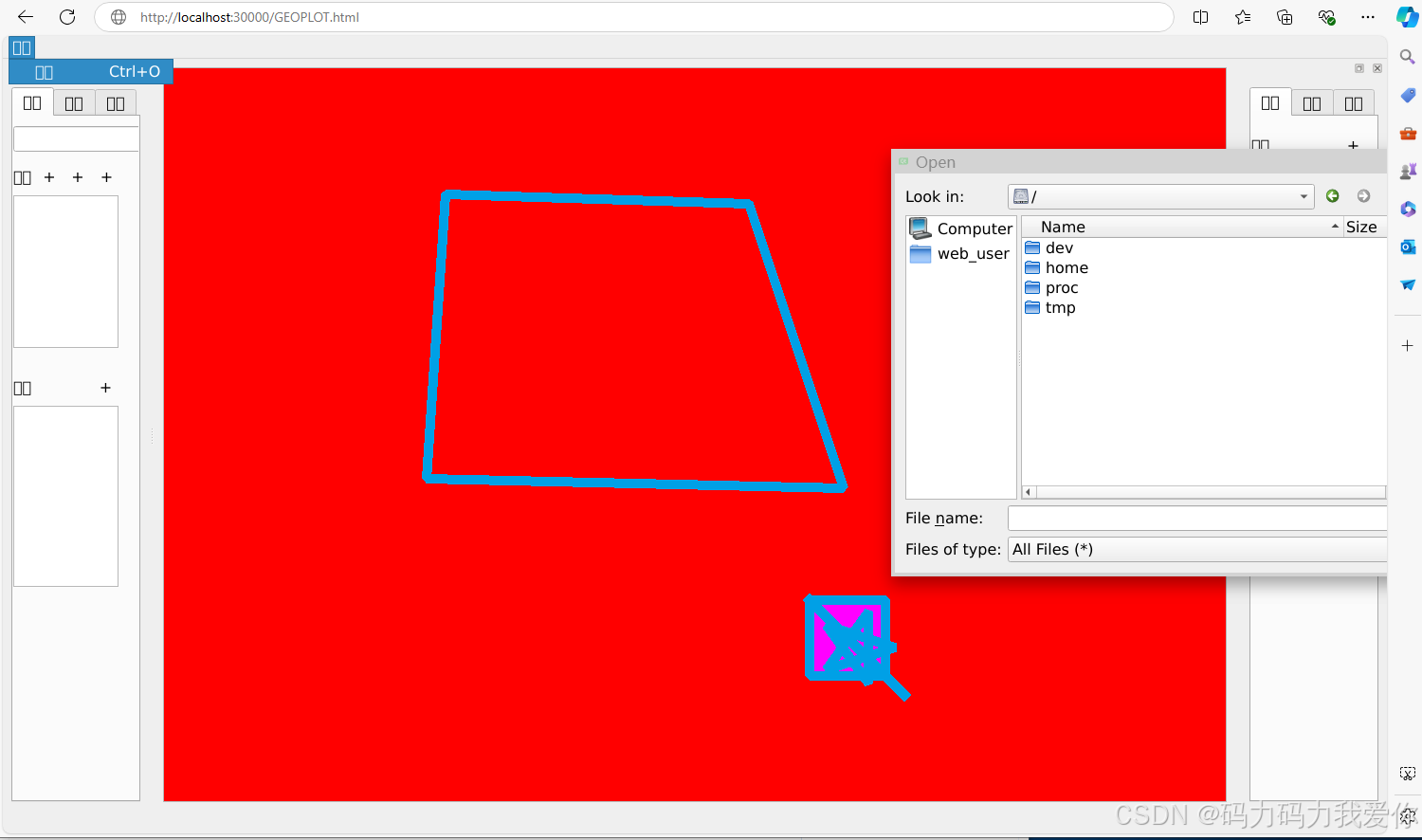
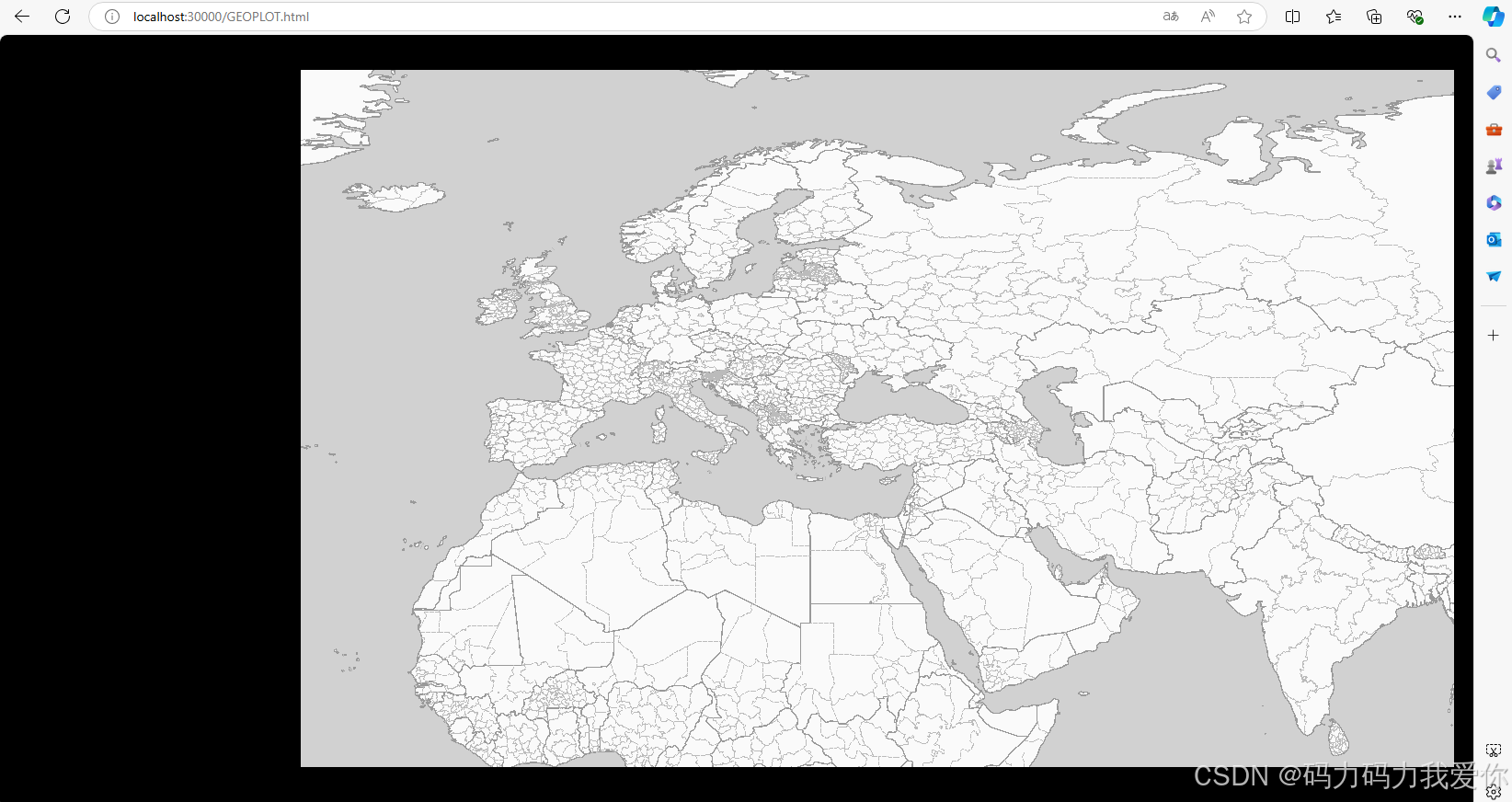
GitHub - BrockReece/vue-wasm: Vue web assembly loader
QT for webassembly_qt webassemble-CSDN博客
本文作者原创,首发在本博客;CSDN 上的同名文章已标注为转载并回链到本页:https://blog.csdn.net/qq_30220519/article/details/142265633
修改macos-guest-virtualbox.sh部分内容为
vm_name=”macOS” # name of the VirtualBox virtual machine
macOS_release_name=”Catalina” # install “HighSierra” “Mojave” or “Catalina”
storage_size=40000 # VM disk image size in MB, minimum 22000
storage_format=”vdi” # VM disk image file format, “vdi” or “vmdk”
cpu_profile=”Intel Core i7-6700K” # VM CPU profile, see “CPU profiles” in docs
cpu_count=8 # VM CPU cores, minimum 2
memory_size=4096 # VM RAM in MB, minimum 2048
gpu_vram=128 # VM video RAM in MB, minimum 34, maximum 128
resolution=”1280x800” # VM display resolution
cmd_path_VBoxManage=’D:\program\virtualBox\VBoxManage.exe’
git bash终端下运行
./macos-guest-virtualbox.sh
出现Err(0xE) LocHB等错误,换其它cpu_profile重试
cpu_profile=”host”
cpu_profile=”Intel Xeon X5482 3.20GHz”
cpu_profile=”Intel Core i7-2635QM”
cpu_profile=”Intel Core i7-3960X”
cpu_profile=”Intel Core i5-3570”
或者换macOS_release_name重试
macOS_release_name=HighSierra
macOS_release_name=Mojave
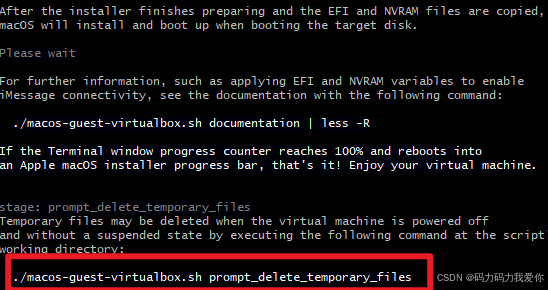
1. 等待虚拟机安装界面进入苹果系统安装“选择语言”的窗口后,在git命令窗口回车。
2. 等待虚拟机安装界面进入苹果系统安装“磁盘工具”的窗口后,在git命令窗口回车。
3. 等待虚拟机安装界面进入苹果系统安装“工具-终端”打开终端窗口后,在git命令窗口回车。
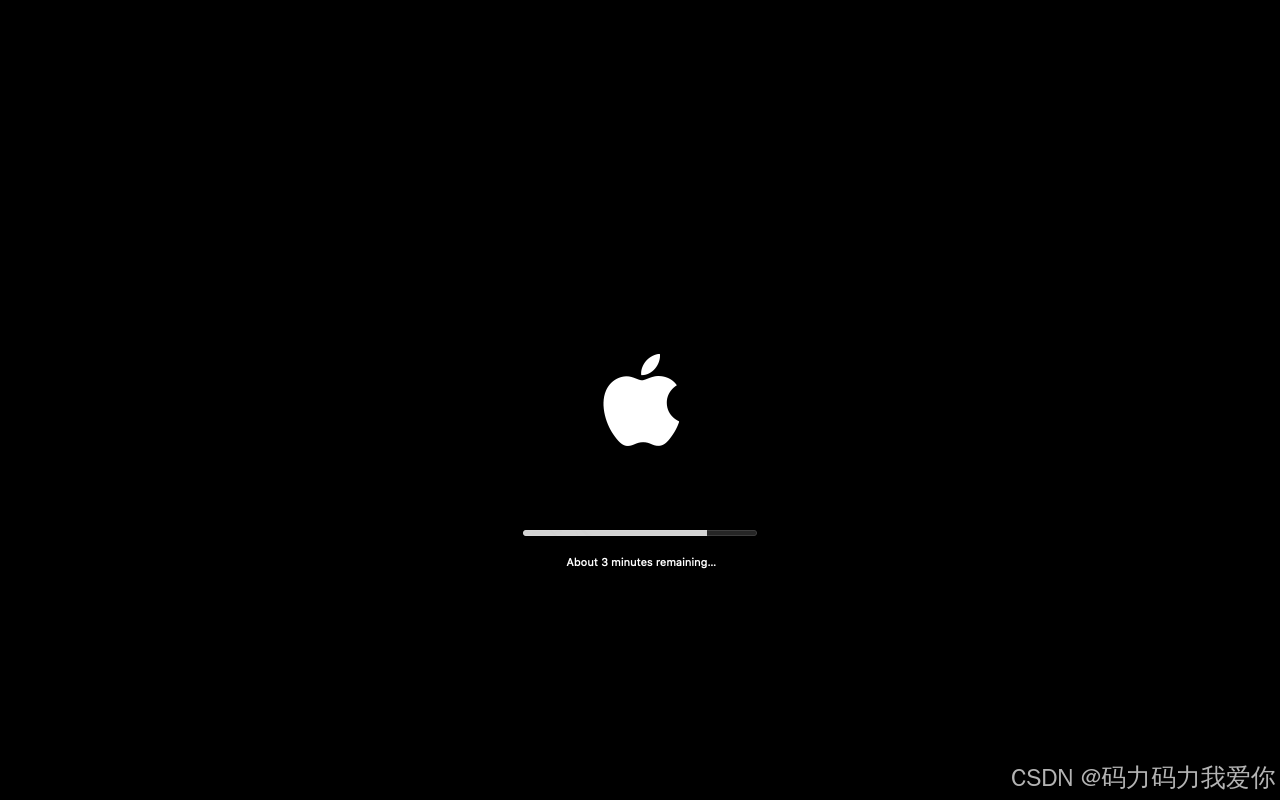
4. 这时系统会自动在系统安装界面的终端里执行脚本,等待执行完毕,完成后系统重启再次来到语言选择,这时候就可以正常安装了。
https://www.cnblogs.com/ilii/p/16522257.html
本文作者原创,首发在本博客;CSDN 上的同名文章已标注为转载并回链到本页:https://blog.csdn.net/qq_30220519/article/details/142185992
1 |
|
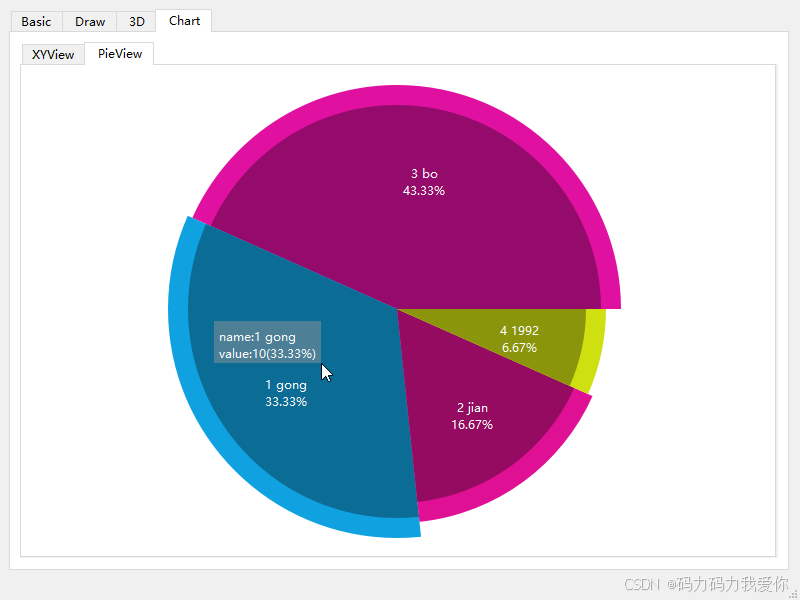
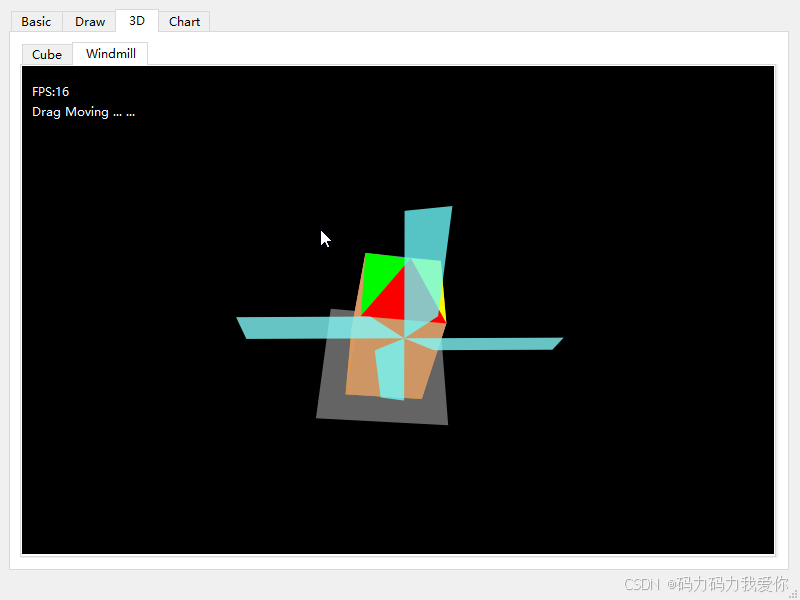
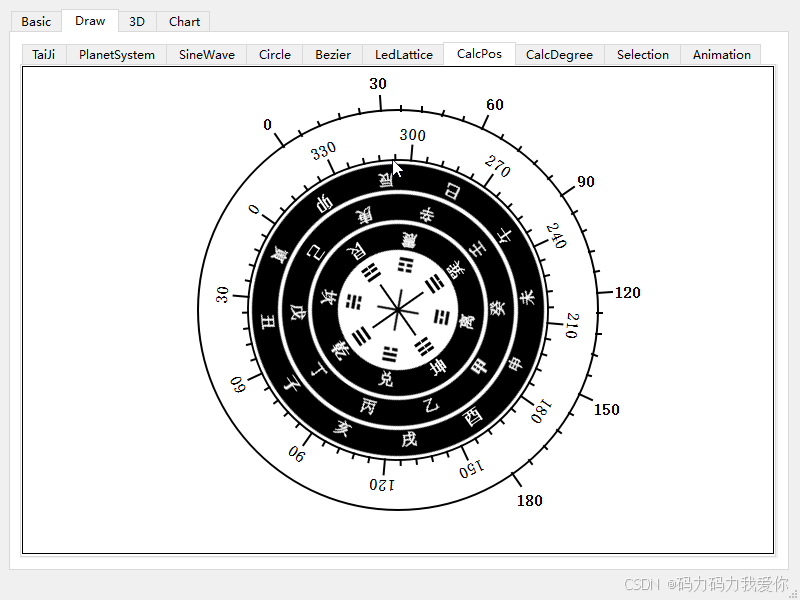
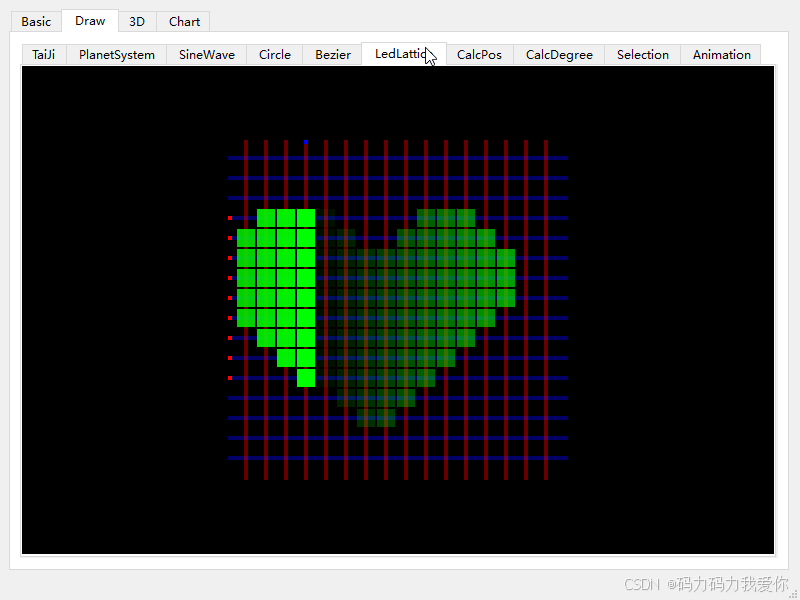
GitHub - gongjianbo/EasyQPainter: Various operation practices of Qt QPainter.(Qt QPainter的各种操作实践)
本文作者原创,首发在本博客;CSDN 上的同名文章已标注为转载并回链到本页:https://blog.csdn.net/qq_30220519/article/details/142185650
1 |
|
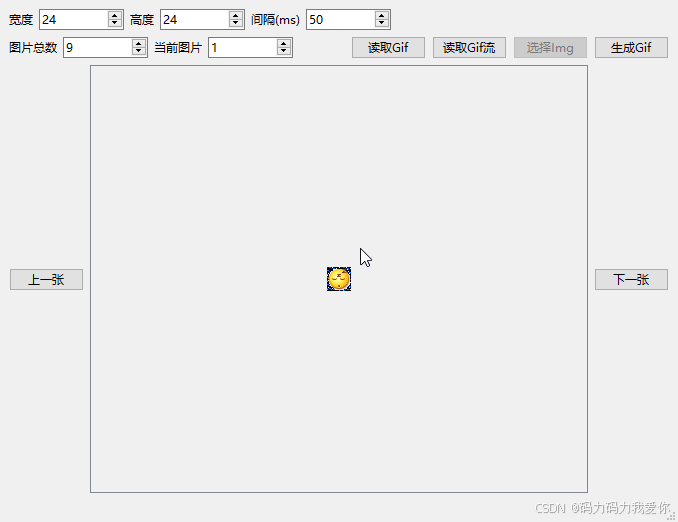
https://github.com/gongjianbo/QtGifTool
本文作者原创,首发在本博客;CSDN 上的同名文章已标注为转载并回链到本页:https://blog.csdn.net/qq_30220519/article/details/142133635
对整个桌面截屏,鼠标拖框进行局部选取
1 | //截取全屏 |
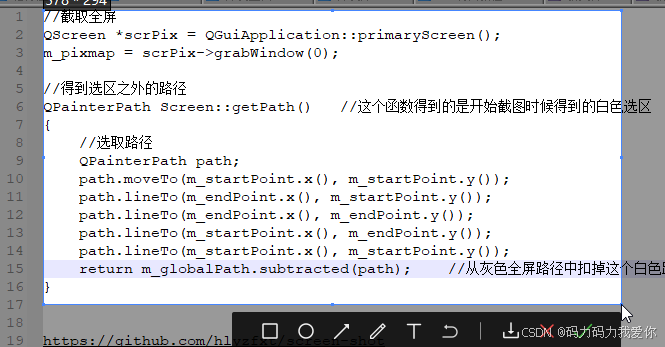
QT6不支持QDesktopWidget包含头文件报错Qt 获取设备屏幕大小_qdesktopwidget为什么用不了-CSDN博客
GitHub - hlyzfxt/screen-shot: qt截图工具,跨平台,适用于Mac, Windows,linux未测试
GitHub - apriorit/Screenshot_Desktop
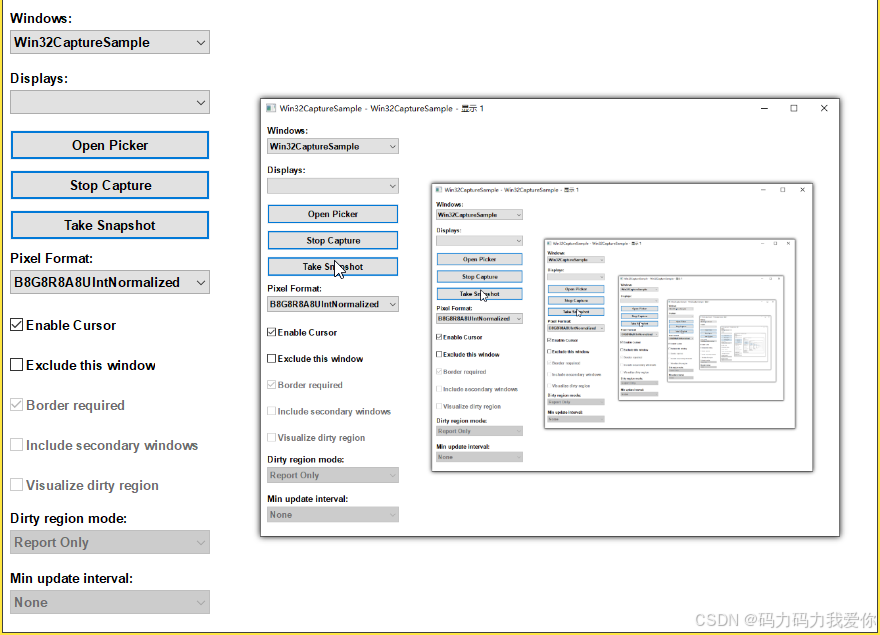
https://github.com/robmikh/Win32CaptureSample
缺失模块。
1、请确保node版本大于6.2
2、在博客根目录(注意不是yilia根目录)执行以下命令:
npm i hexo-generator-json-content --save
3、在根目录_config.yml里添加配置:
  jsonContent:
    meta: false
    pages: false
    posts:
      title: true
      date: true
      path: true
      text: false
      raw: false
      content: false
      slug: false
      updated: false
      comments: false
      link: false
      permalink: false
      excerpt: false
      categories: false
      tags: true